🧙♀️ Chapter 3: Other Large Language Models (LLM)#
Note: All GenAI tools & models demonstrated below are NOT recommended by UBC due to privacy and safety reasons (but you are NOT restricted from using them)
1. Common large language models (LLM) & interface#
1.1 Anthropic Claude#
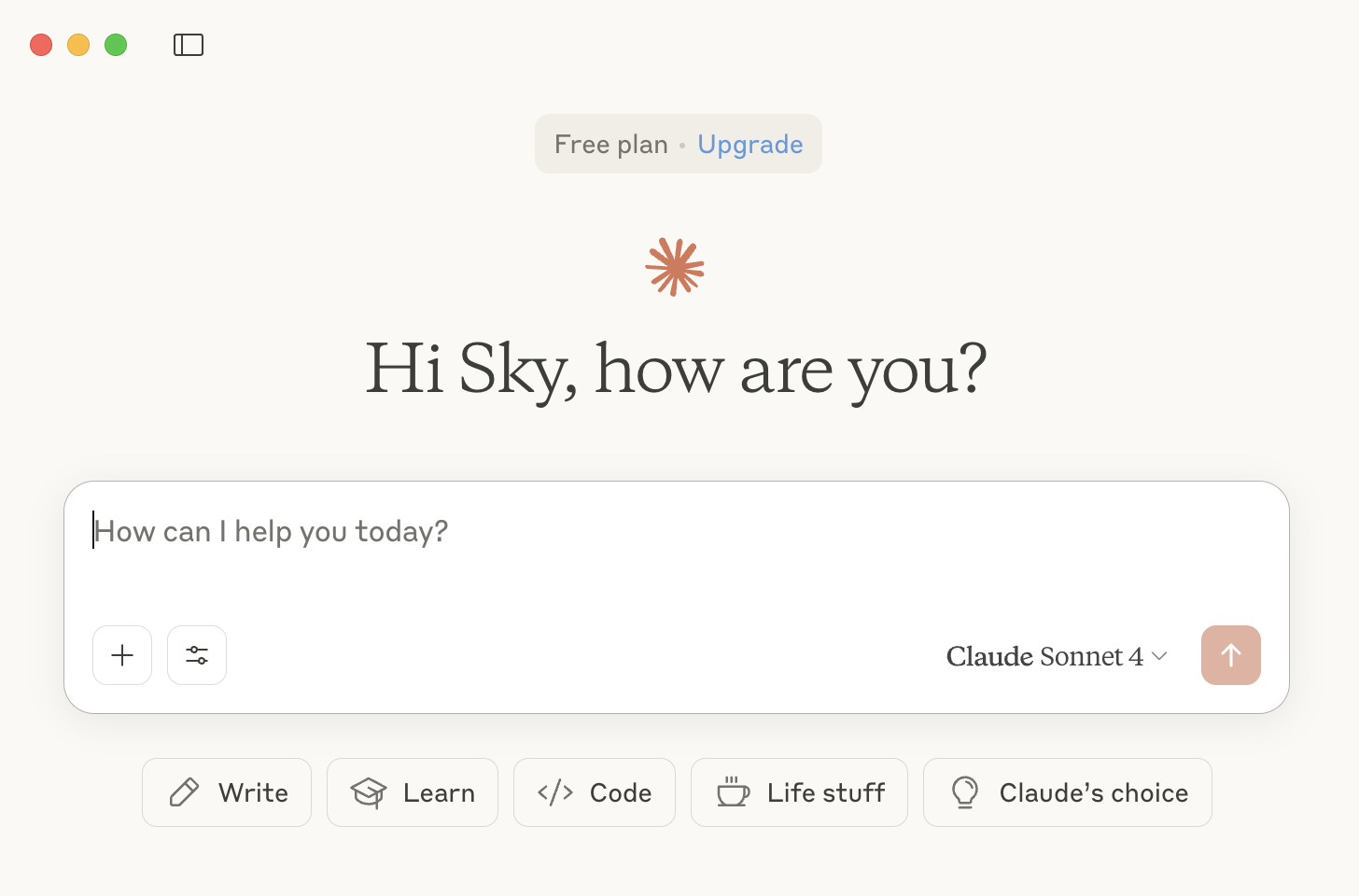
💡 Disclaimer: I have no connection to Anthropic (the company that makes Claude). I recommend using Claude because many programmers and data scientists from the technology industry agree it’s the best AI tools for programming, writing and explaining things clearly (as of the time when this tutorial is created)! Personally this is my go-to model that drives everyday tasks.
Website: https://claude.ai
✅ Free tier is often enough (Sonnet 4)
📧 Requires login
🏆 Best reputation among programmers
🎨 Claude Artifact feature
⛑️ Emphasis on AI safety
👐 Transparent with system prompt
I’m a strong advocate for more transparency in sharing system promopts used to govern the behaviours of generative AI models. System prompts could encode biases and eliminate certain perspectives in the output of generative AI. Anthropic is one of very few companies that publicly shares their system prompts.
Claude artifact demo#
Here is an otter game that I created just for fun, using the free tier of Claude and Opus 4.1 model.
You can see the process in this video.
Prompt I used:
“You are an expert in game development. Can you help me create a video game using claude artifact? Here is the idea: Otter Breakout/Arkanoid. Otter bounces on its back, juggling a ball (like they do with rocks!). Break ice blocks to free trapped fish. Paddle is a floating otter, ball bounces realistically.”
1.2 🔒 Other Proprietary Models#
Google Gemini 2.5 Pro - https://gemini.google.com
xAI Grok 4 - https://grok.x.ai
Mistral Large 2 - https://mistral.ai
And more…
1.3 🔑 Open Source/Open Weight Models#
Meta Llama 4 - https://llama.meta.com
DeepSeek V3.1 MODEL - https://deepseek.com (Note: Model only, not applications)
Kimi K2 - https://kimi.moonshot.cn
And more…
2. What if I want to try them all?#
2.1 Poe (paid)#
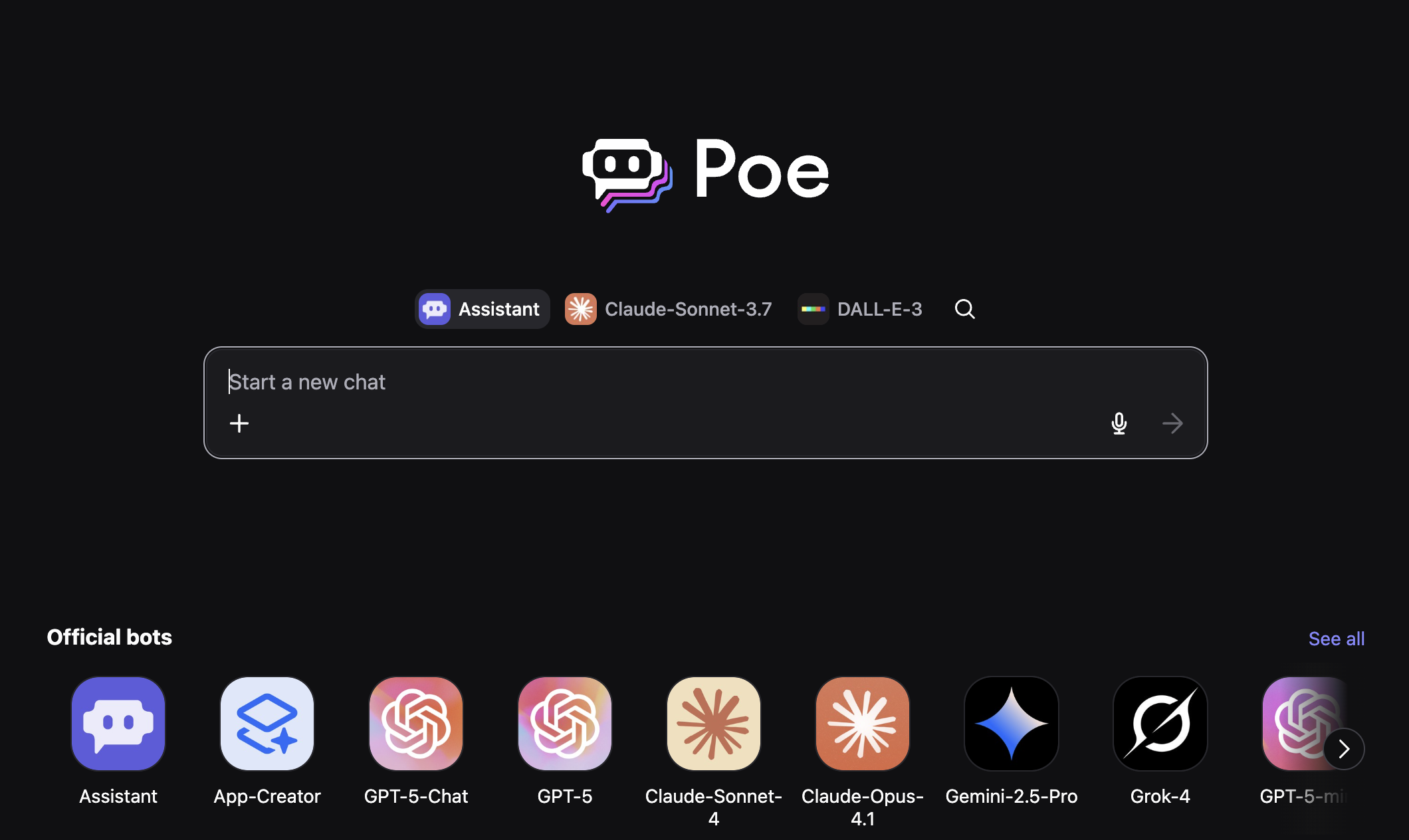
Accessible via both online chatbot interface & PC/laptop software
Online chatbot interface: https://poe.com
Access both open source + proprietary models
Subscription based (Note: $20 limit used up in a few hours…)
2.2 Ollama (free)#
Accessible via PC/laptop software
Donwload URL: https://ollama.com
Open source/open weight models
Free to use
3. Finding the Best Model for Your Task#
How do I know which model(s) is best for what task?
3.1 Chatbot Arena#
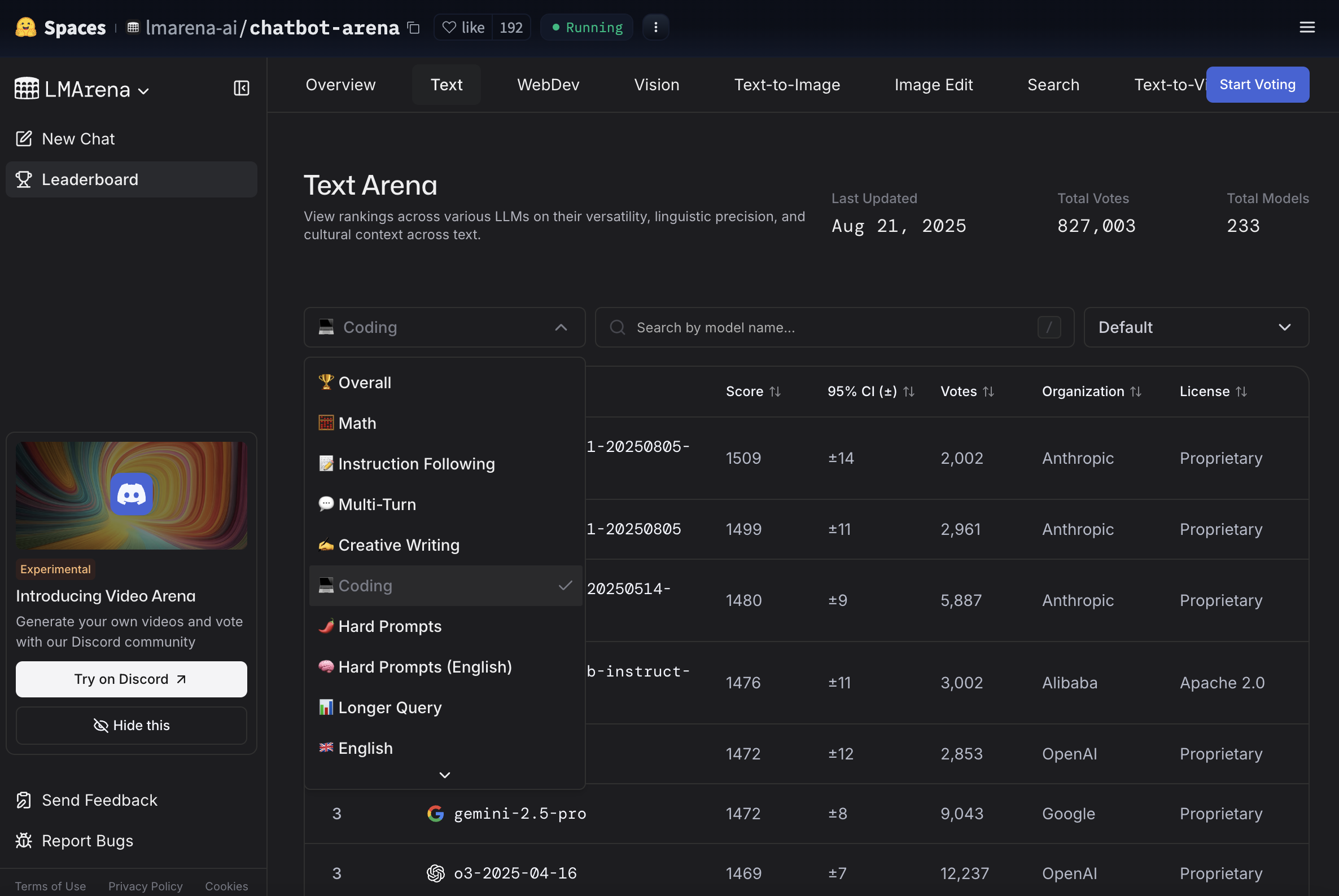
LMArena is a battle field for different large language generative models. Everytime you prompt a question, 2 anonymous AI model will be asked to answer your question, and you will vote which model gave better response. After you give your vote, the system will reveal the models’ names. After millions of pairwise comparisons are made, an Elo-rating algorithm is used to rank the AI models based on people’s preferences. You can see the current ranking of different LLMs based on task on the LMArena Leaderboard

Text-to-image arena uses the same logic, but it is a battle field for different text-to-image generative models.
Free to try all models
You can vote and contribute to rankings!
Great for comparing model performance
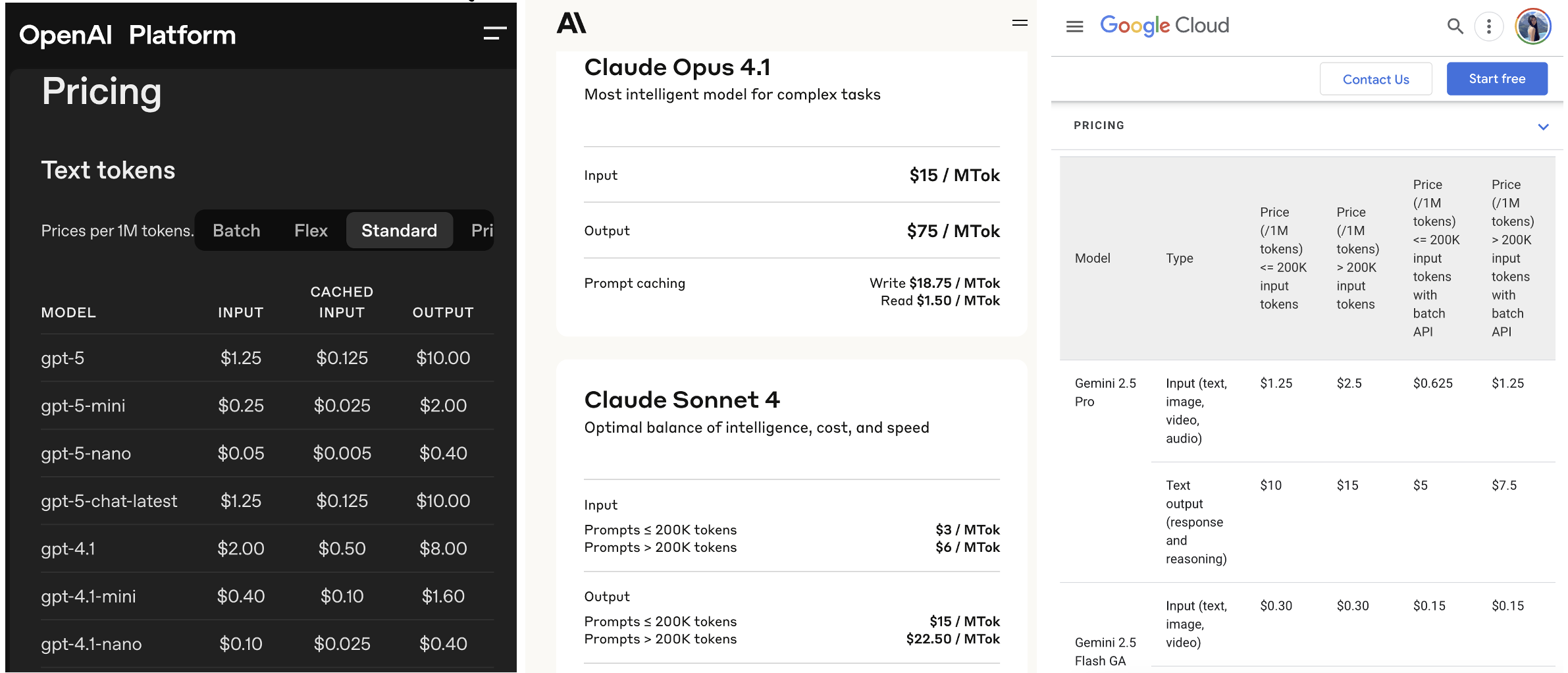
4. Using Proprietary Models Economically#
API (Application Programming Interface)
Pay-per-use model
More cost-effective for specific tasks
Programmatic access to models
5. AI Agents for Coding#
5.1 Cursor: IDE-Based Solutions#
💡 What is Cursor IDE?* Cursor is an advanced code editor where AI agents helps you write code in real-time! It’s like having a super-smart coding partner sitting next to you.
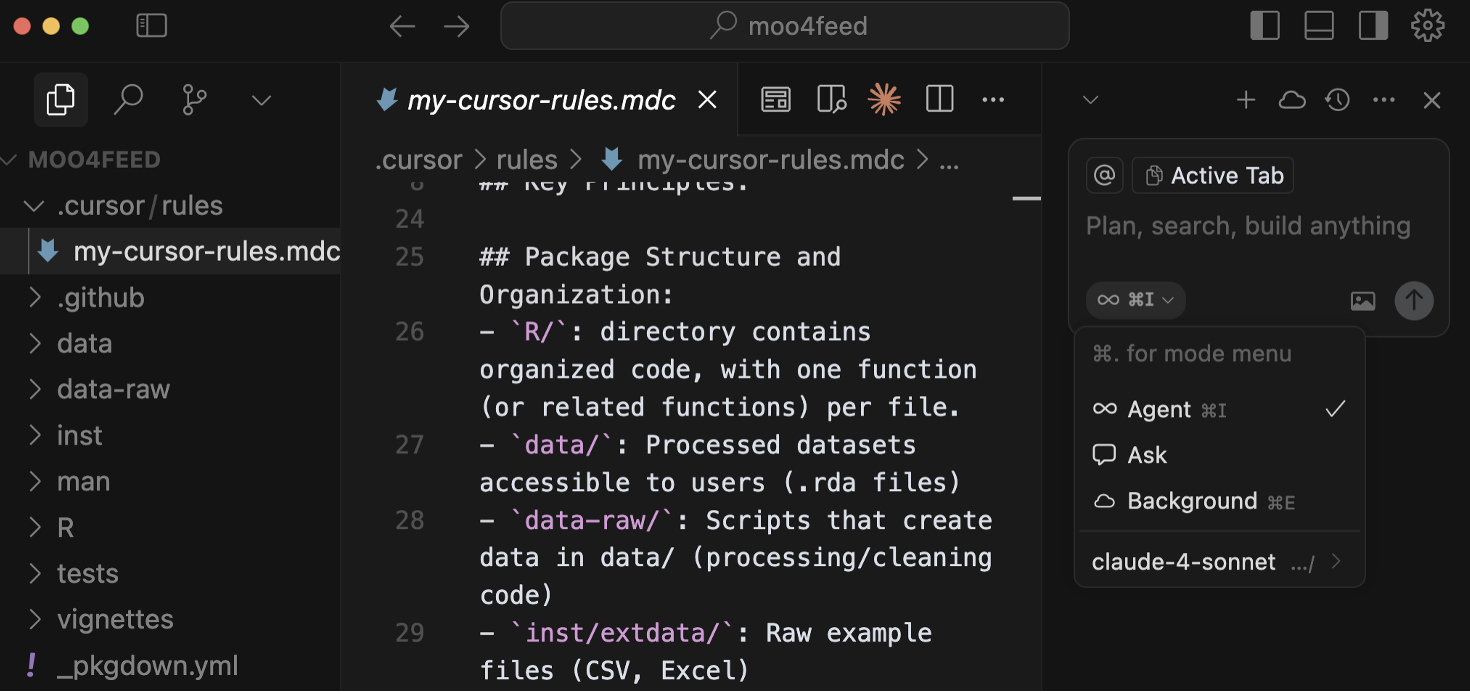
Cost: $20-200 USD/month
Setup: VS Code + LLM of your choice + tools like MCP (Model Context Protocol)
Features:
Understands your entire codebase & project
Popular among developers and start-up companies
Fast for prototyping
5.1.1 🤖 Real-World Example: Cursor’s Bugbot in Action#
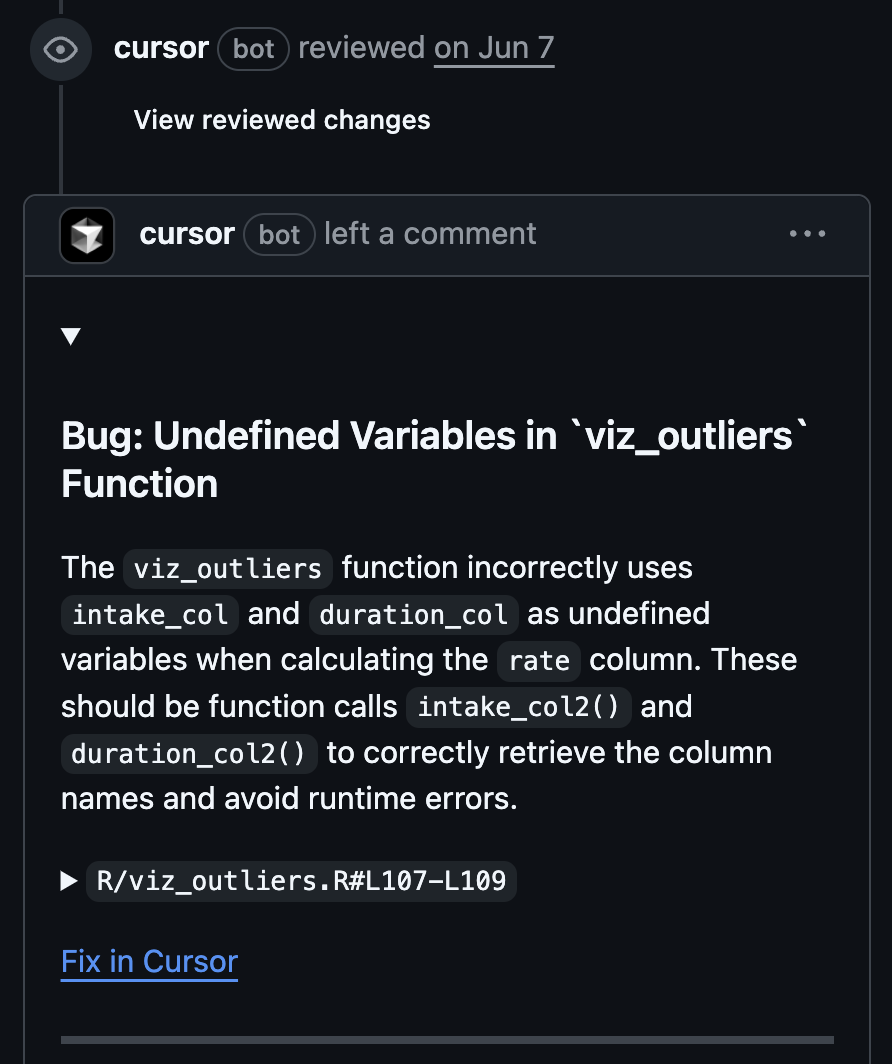
Personal Experience: I use Cursor’s bugbot feature that automatically checks my newly edited code in Pull Requests (PRs).
🐛 The bugbot actually spotted a bug that I did not catch after running 100+ tests! This is a perfect example of how AI can serve as an additional safety net - even when your code passes all tests, AI can still catch logical errors, edge cases, or potential issues that traditional testing might miss.
5.1.2 🎥 Demo: System Prompts + GitHub Pages Tutorial#
💡 What is a System Prompt? A system prompt is a piece of text that set context, define the agents’ persona, and guide the agents’ behaviours, before it starts helping you. It’s like telling someone “You are now a cooking teacher, only allowed to answer questions related to cooking” before asking cooking questions!
🎯 The Power of System Prompts
AI can get lost in the woods with too much information it reads all over the internet. System prompts allow the AI agent to focus on solving specific tasks with best practices.
🧭 System prompts allow you to be the guide for AI - you become the navigator!
💡 Pro Tip:
When you learn a new concept or workflow, write notes for yourself
The note you write can be turned into system prompts for AI
This highlights the importance of communication skills with humans AND with AI → prompt engineering!
Watch the Demo: System Prompt Guided Web Development
In this demo video, I show how to use system prompts to guide Cursor’s AI agent to create a website hosted on GitHub Pages. The demo uses Jupyter Book as a template to create the tutorial page you’re reviewing right now!
This demonstrates the power of combining:
🎯 Clear system prompts (you being the guide)
🤖 AI coding assistance (Cursor as your copilot)
🔗 GitHub integration (via GitHub MCP)
5.1.3 ⚠️ The “Vibe Coding” Reality Check#
On the internet, you can see many people start building cool games/websites without any coding background - they’re just “vibe coding,” talking to Cursor or Claude Code in human language. 💬
The Initial Illusion: 🏃♂️💨 From my experience, it could seem like they are running very fast in the first place.
The Reality Wall: 🧱 But if they don’t have the fundamentals, they can hit the wall very quickly too:
AI could get stuck in circles when fixing bugs 🔄
Progress will slow down significantly 🐌
The product will break apart in the long run if you purely depend on vibe coding 💥
🎯 You Do NOT Want to Be That Person
No matter which AI agent you will be using in the future, if you take the time to:
Slow down 🐢
Learn the fundamentals 📚
Become an expert yourself 🧠
AI tools will shine hundreds of times brighter ✨ when collaborating with you, compared to someone with shaking fundamentals.
5.2 Claude Code: Command Line Solutions#
Cost: $17-200 USD/month
Status: Currently the best AI agent for coding
Note: Use it for fun
5.3 Other AI Coding Agents (Prices in USD/month)#
5.3.1 VS Code Extensions#
Augment - $50 - https://www.augmentcode.com
GitHub Copilot - Free to start
Cline - Pay by token - cline/cline
5.3.2 IDEs (integrated development environment)#
Amazon Kiro - Free (waitlist) - https://kiro.dev/
Windsurf - $15 - https://windsurf.com/editor
Trae - $3-10 - https://www.trae.ai/
Replit - $20 - https://replit.com
5.3.3 Command Line Tools#
Google Gemini CLI - Mostly free - https://cloud.google.com/gemini/docs/codeassist/gemini-cli
OpenAI Codex CLI - Pay by token - https://openai.com/index/openai-codex/
Cursor CLI - $20-200 - https://cursor.com/cli
6. AI for Reading#
6.1 NotebookLM#
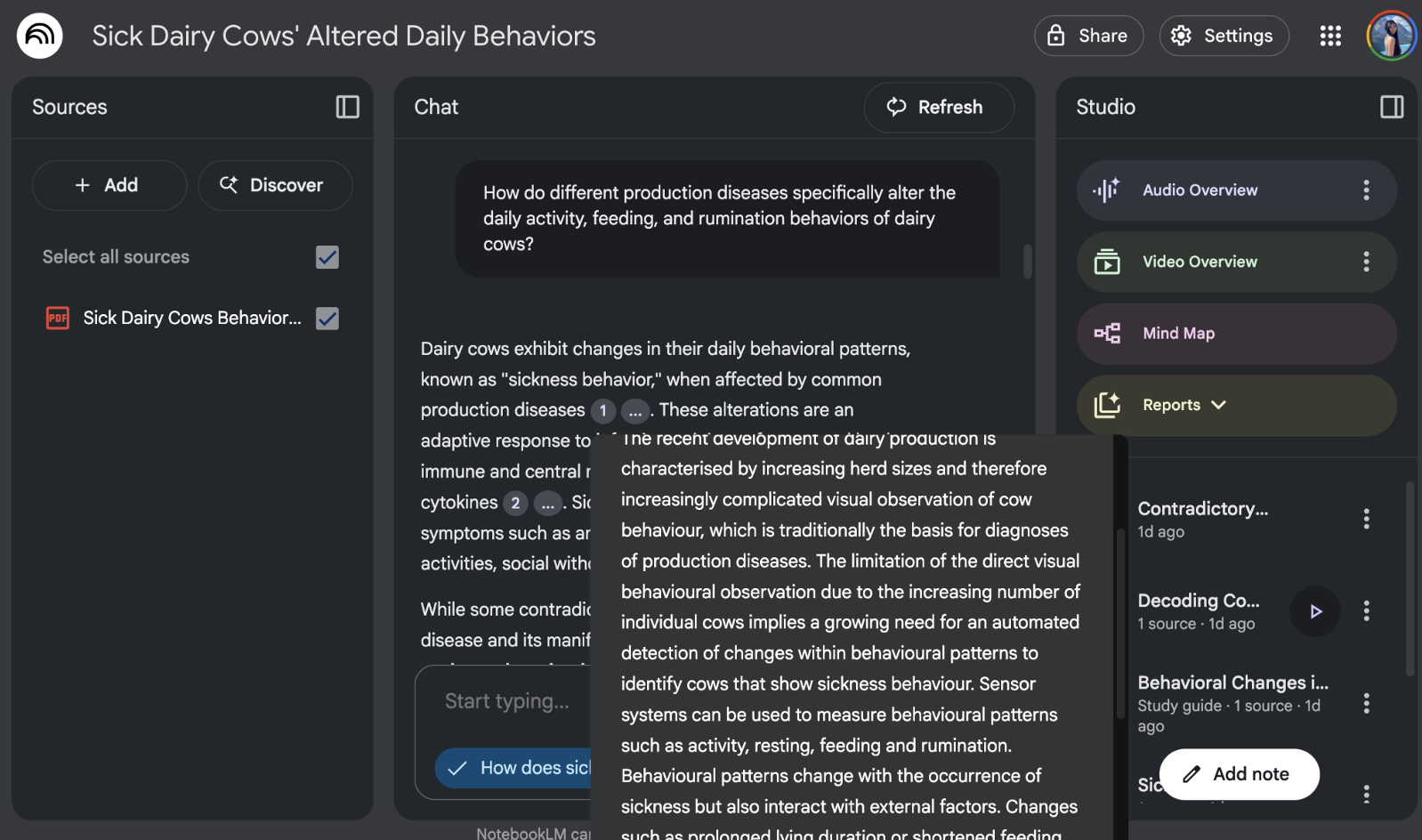
💡 What is NotebookLM? NotebookLM is Google’s AI-powered research assistant that can read your documents, notes, and sources to create summaries, answer questions, and even generate study guides!
🎈 Amazing Features:
Document Chat: Ask questions about specific documents that you upload(PDFs, text files, websites, and more) you’ve uploaded
Source Synthesis: Knows all your sources and can connect ideas across them. Combines information from multiple sources
Study Guide Creation: Automatically creates organized notes, mind maps, and summaries
Audio Overviews: Generates engaging podcast conversations about your content!
Video Overviews: Creates a video presentation about the document you uploaded
Free to use
Below is an example usecase of notebookLM: a scientific review paper about how dairy cows change their behaviours when they are sick
7. AI-Based Search Engines#
Most chatbot interface like ChatGPT, and Claude has enabled web search feature and will show you the link to source too if you ask for it.
7.1 Perplexity#
💡 What is Perplexity? Perplexity is like a LLM-powered search engine that answers your questions by summarizing across multiple webpages, with citation provided.
🔍 How is Perplexity Different from Google?
Google: Shows you links to websites
Perplexity: Reads those websites and summarizes the answer for you, provides sources and citations.
Perplexity subscriptions:
Free tier: 3 questions per day
Pro version: $20 USD/month for unlimited questions
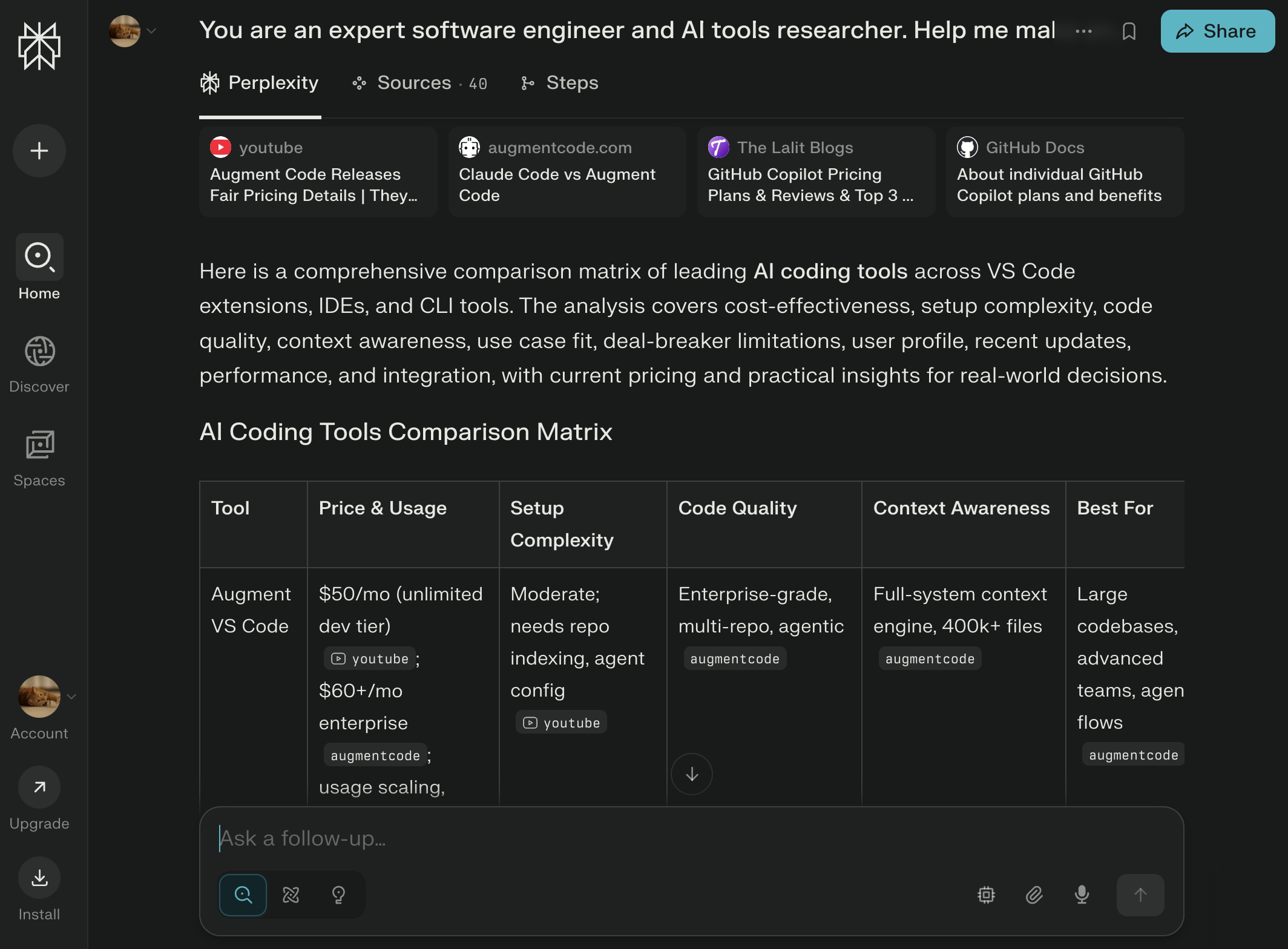
Below is an example usecase of perplexity: https://www.perplexity.ai/search/you-are-an-expert-software-eng-RPxbHEJKTzO064CJ86yZOA